
Creating a food diary
How to use the food diary function within the app

Written by Cheyenne
Tracking what you eat and drink helps you to consume mindfully and build better habits as you move through the Second Nature programme.
The food diary function within the app allows you to keep a daily record of your food/fluid intake.
Creating a food diary
To begin a new food diary entry:
Select the 'Toolbox' icon from the bottom toolbar in-app
Scroll down and select 'Food diary'
Select the blue 'Start a new diary' button
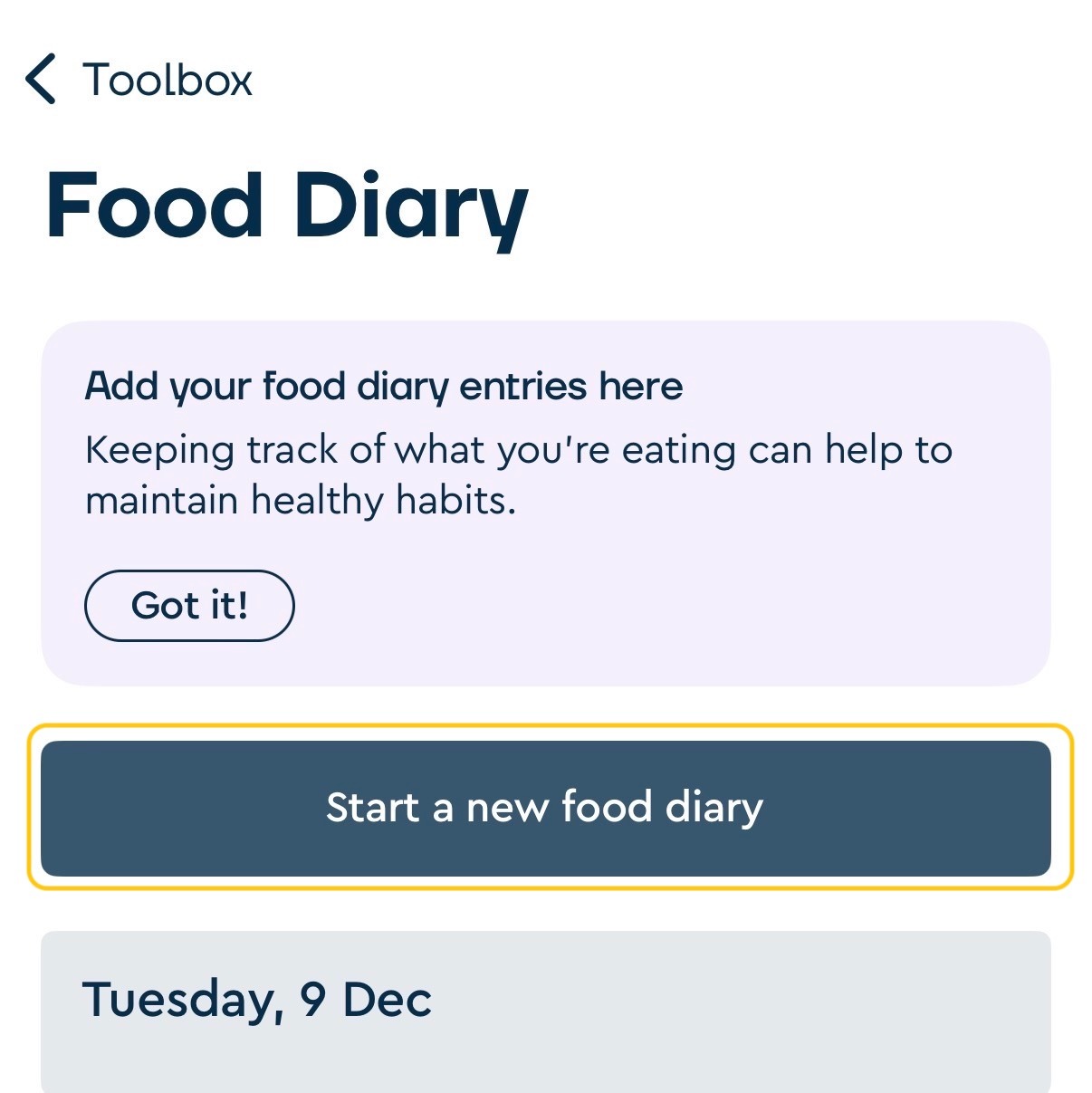
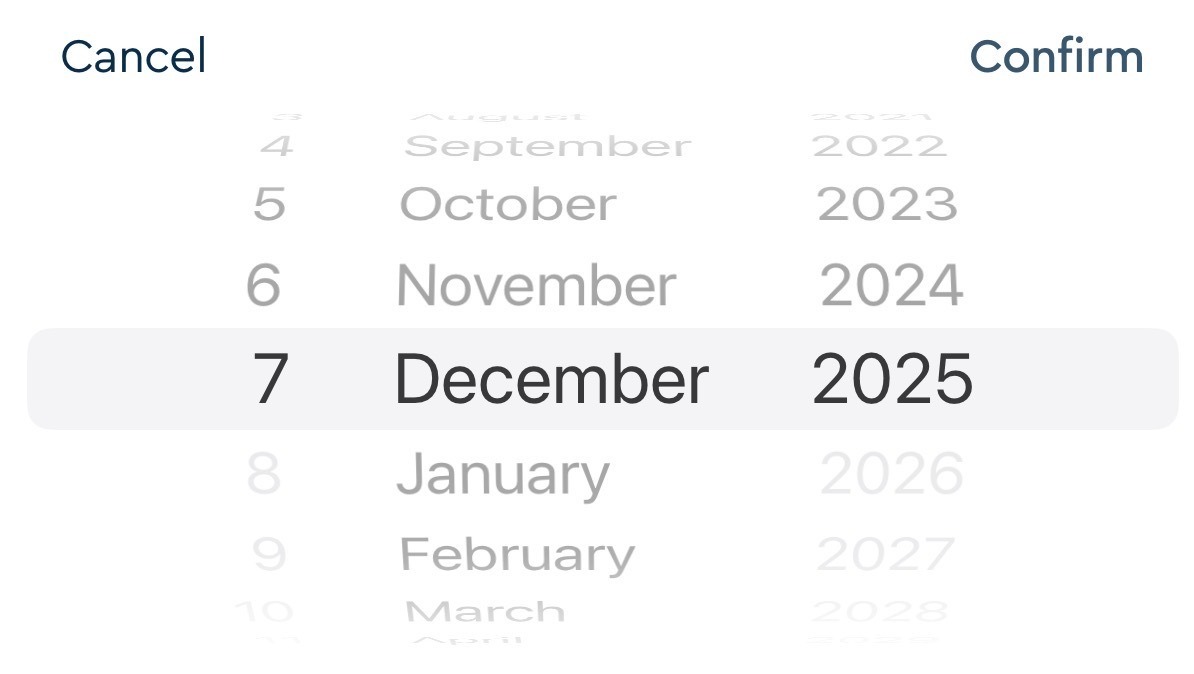
Select the date you want to create the entry for
Select 'Confirm'
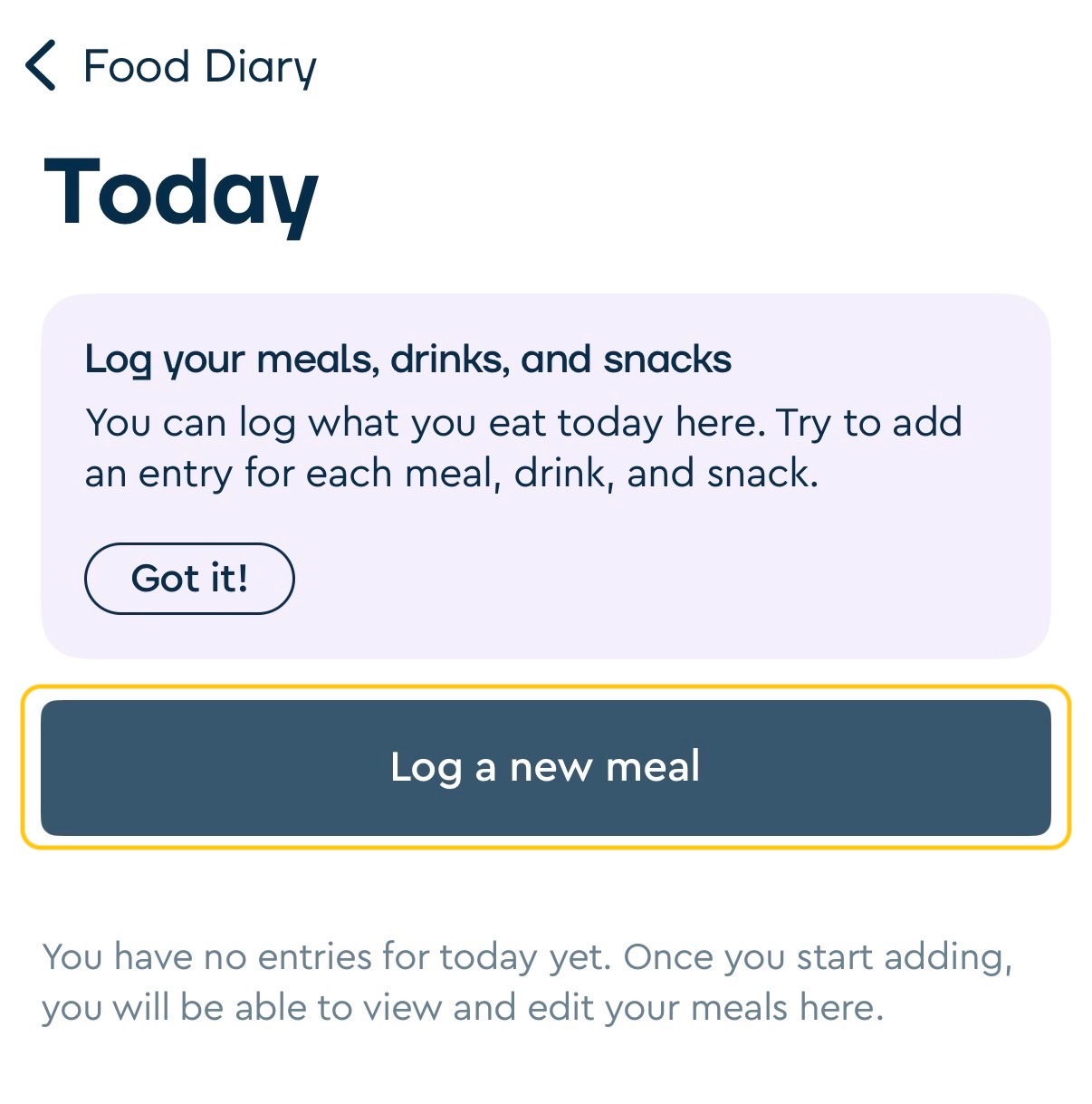
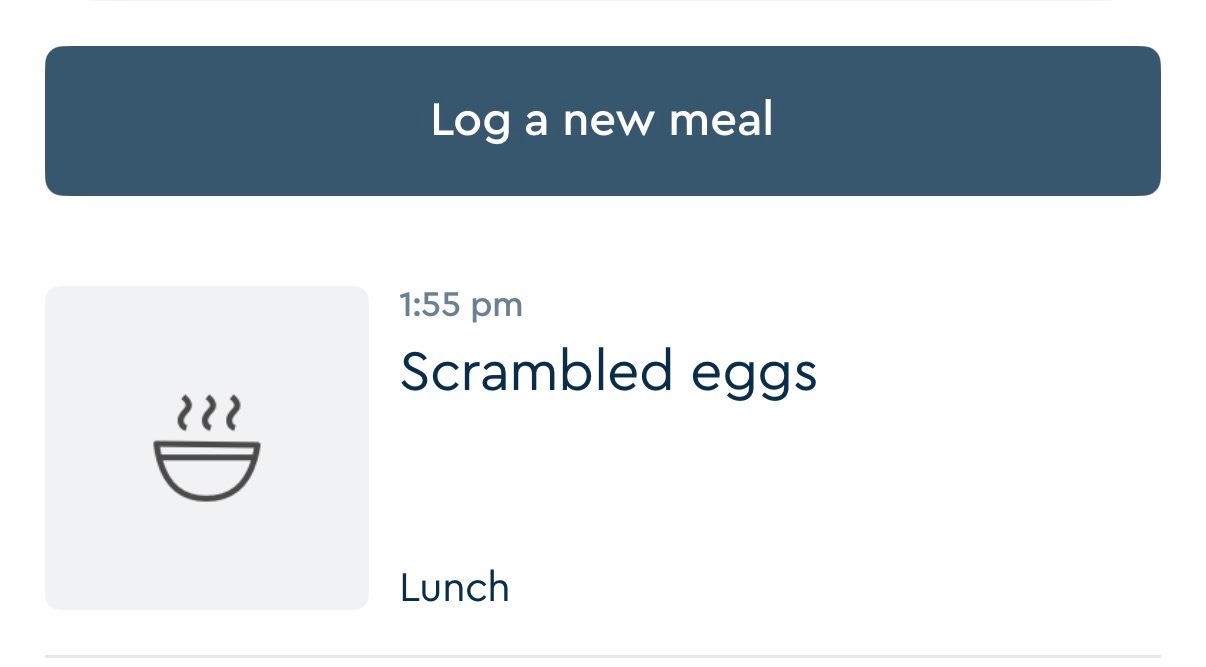
Select 'Log a new meal'
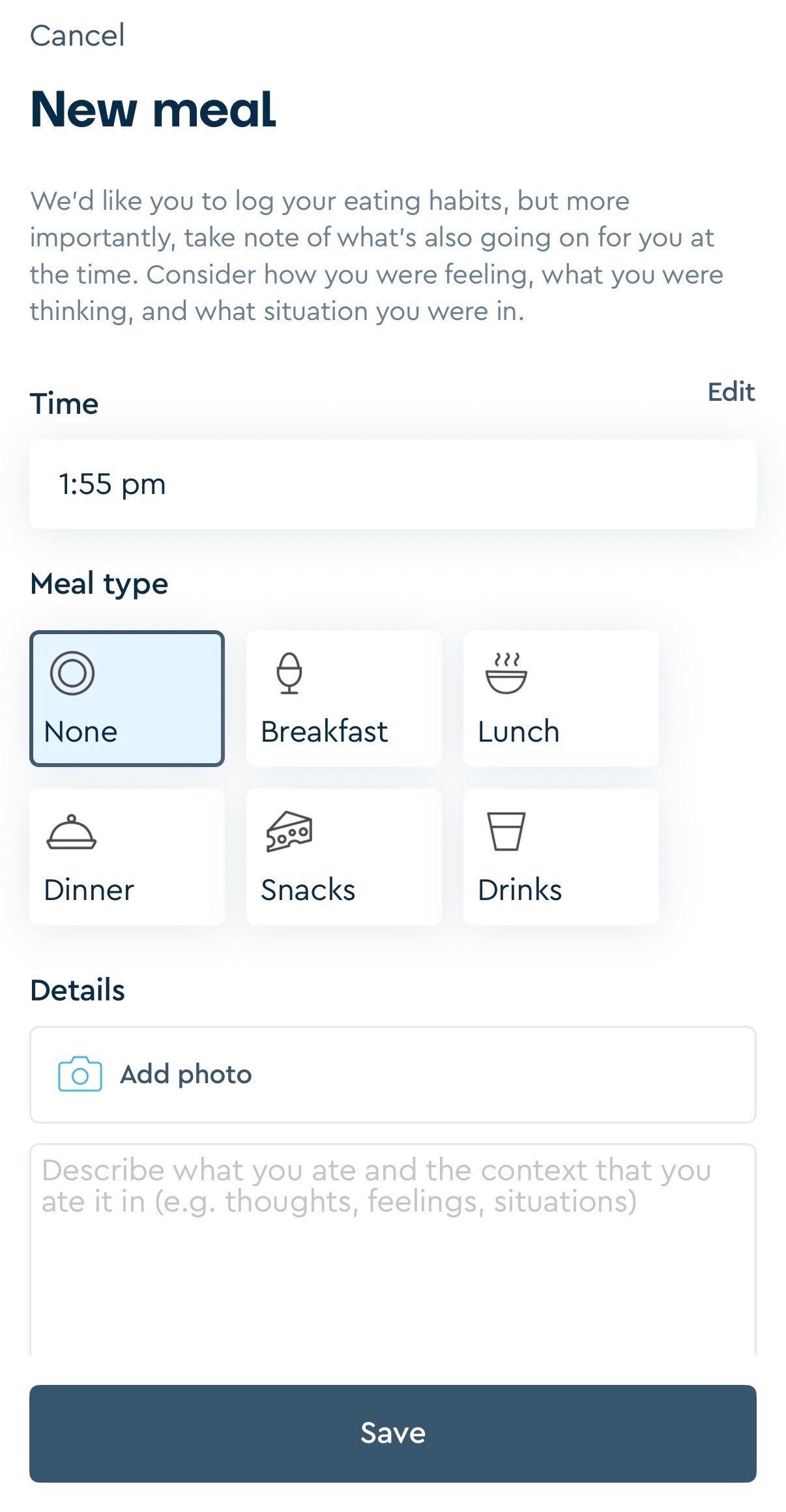
Enter the time, meal type, what you ate, an optional photo. Once completed, select 'Save'.
To add meals throughout the day, follow the instructions below:
Select 'Toolbox' from the bottom toolbar within the app
Scroll down and select 'Food diary'
Select 'Today'
Select 'Log a new meal'
Editing and deleting a food diary entry
To edit a Food diary entry:
Select 'Toolbox' from the bottom toolbar within the app
Select 'Food diary'
Select the date for which you wish to edit/delete the entry
Select the meal you wish to edit/delete
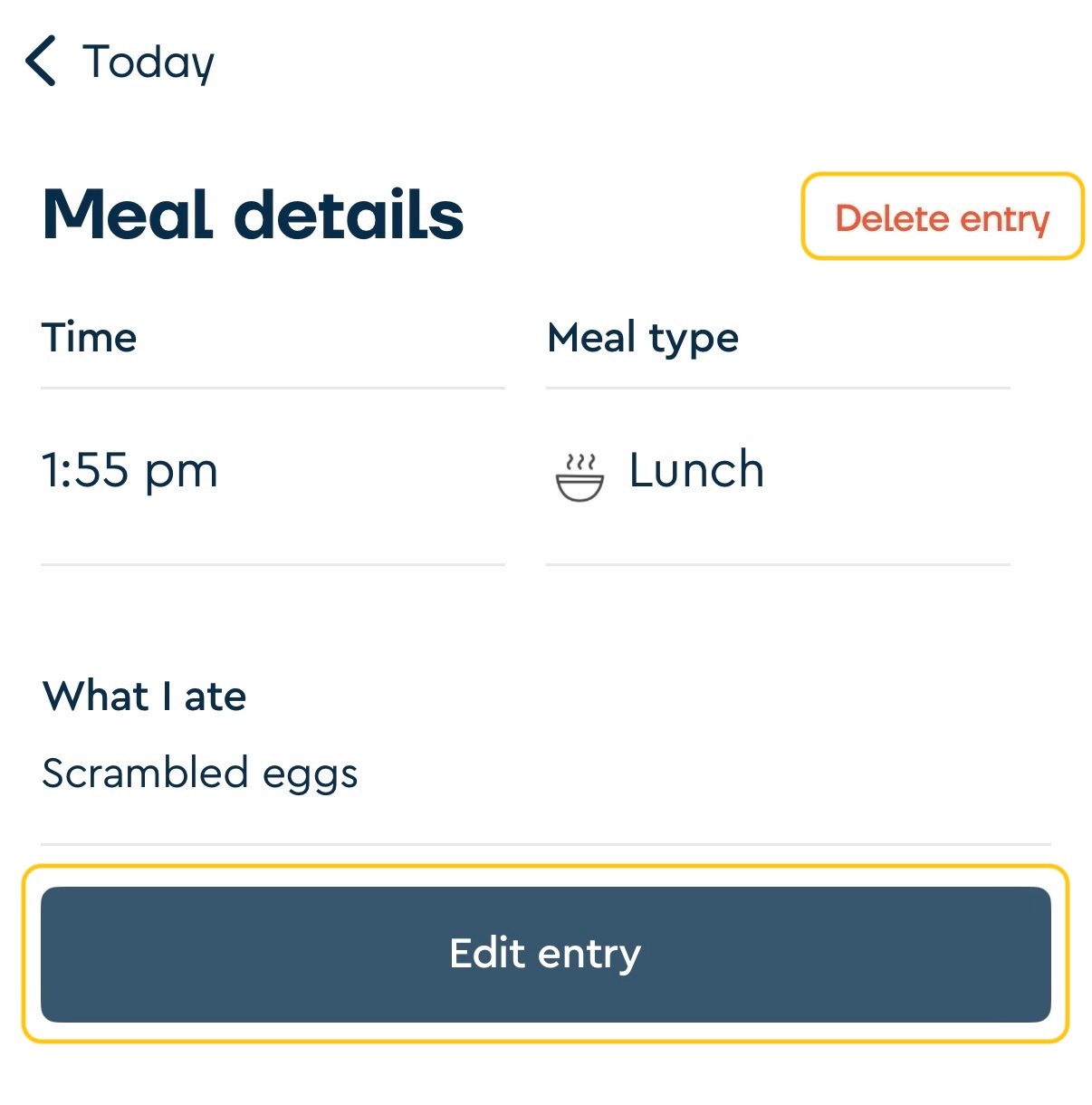
Select 'Edit entry' to edit the meal. If you wish to delete the entry, select 'Delete entry'.
If you have any questions, please don't hesitate to reach out to us at support@secondnature.io, or contact our support team from the 'Chat' page in-app.